
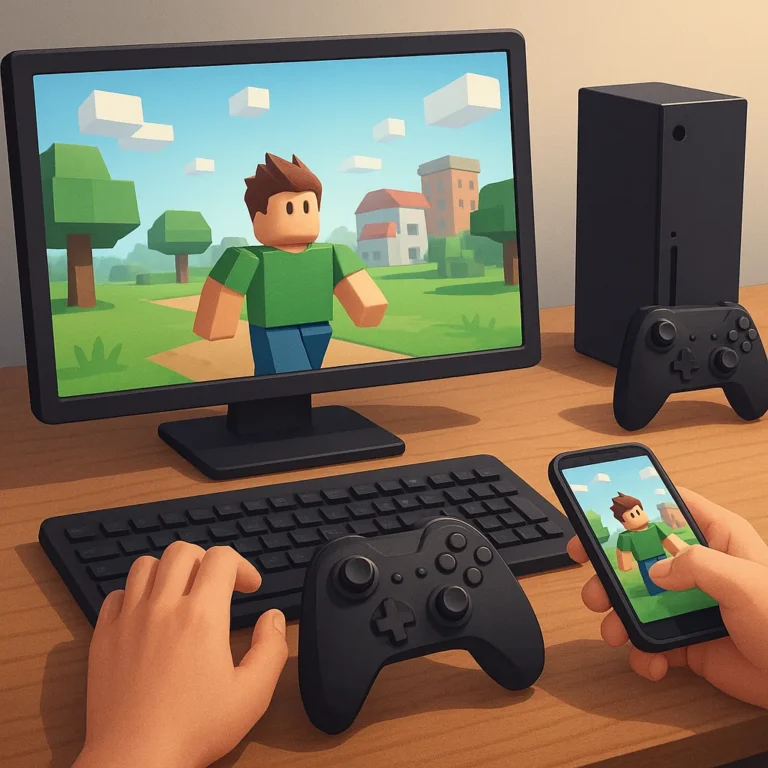
Cross-platform support can turn a promising Roblox-style game into a genuinely useful choice for a friend group—or expose frustrating limits before anyone has fun. PC, console, and mobile versions do not always offer the same controls, performance, chat features, or creation tools. The best option depends on what your group wants to do together: build, compete, socialize, or explore user-made worlds. This guide compares practical cross-play considerations across Minecraft, Fortnite Creative, Rec Room, and similar platforms. Instead of treating a platform as universally compatible, look at account requirements, edition differences, input advantages, and parental settings. A quick check before downloading can prevent the classic problem of friends owning the same game but being unable to join the same session.
Start with the devices your group actually uses
Begin with a simple player-and-device list. Write down who uses Windows, Mac, Xbox, PlayStation, Switch, iPhone, iPad, or Android, then check the platform’s official supported versions. “Available on mobile” does not guarantee feature parity, while a console edition may require a separate purchase or subscription. Minecraft is a strong example: Bedrock players can usually connect across supported devices, but Java Edition follows different multiplayer rules. Fortnite Creative is broadly accessible across modern platforms, although account linking and age settings still matter. Rec Room supports several devices, but visual quality and controls vary. This inventory narrows the shortlist before your group compares graphics or game modes.
Compare what cross-play lets friends do
Cross-play is only valuable when it preserves the activities your group cares about. Some games let everyone join the same world but limit building, editing, voice chat, or private-server features on certain devices. In Minecraft, ask whether your group wants shared survival, creative construction, or hosted realms, then confirm that the selected edition supports each plan. In Fortnite Creative, check whether players can publish, edit, and enter islands under the same account permissions. Rec Room may feel more social on a headset, while flat-screen players can still participate. Read feature notes, not just a store badge saying “multiplayer.”
Account setup can decide whether cross-play works
Many connection problems begin with accounts rather than hardware. A child may need a platform account, a game publisher account, a linked console profile, or permission to accept friends outside the household. Epic Games accounts, Microsoft accounts, and console network settings can each affect invitations and communication. Before game night, have every player sign in, add approved friends, and test one private session. Use consistent display names so invitations are not confused with strangers. Families should also review birth-date settings and communication permissions together. A five-minute setup test is far easier than troubleshooting a missing invite while three friends wait in a lobby.
Treat controls and performance as part of compatibility
Two players can share a server and still have very different experiences. Touch controls may be precise enough for exploration but awkward for building or fast combat. A console player may benefit from a gamepad, while a PC player gets easier camera control and text chat. Older phones can also struggle with crowded worlds, voice communication, or frequent updates. Test the exact device each player will use, not a newer model in a review video. Lower graphics settings, headphones, and a stable connection often help. If one player is constantly lagging or missing controls, the group may need a simpler shared activity.
Use privacy tools before inviting a larger group
Cross-platform groups often include players with different ages, so privacy settings deserve the same attention as device support. Start with private parties, invite-only worlds, and approved friend lists. Then decide whether text chat, voice chat, direct messages, and user-generated content are necessary for the session. Parents can use platform controls to limit spending and communication, while players should know how to mute, block, and report accounts. Run the first session with a small trusted group and watch how invitations appear on each device. That approach keeps cross-play flexible without making openness the default.
Where to continue your research safely
To keep researching, review Minecraft platform information Fortnite official support Rec Room and compare which option makes the most sense for your situation.
Key criteria to compare before you decide
A good decision depends on more than a first impression. Compare total cost, timing, reputation, effort required, and the clarity of the offer conditions. When those criteria are visible together, it becomes easier to tell whether an option solves the problem or only looks attractive at first.
How to use this guide for your next step
Review the criteria before moving forward
Compare Roblox-style games that support play across PC, consoles, and mobile devices calls for context, comparison, and patience. Use the points above as a practical checklist: revisit your goal, look for concrete signals, and move forward only when the choice fits your current needs.