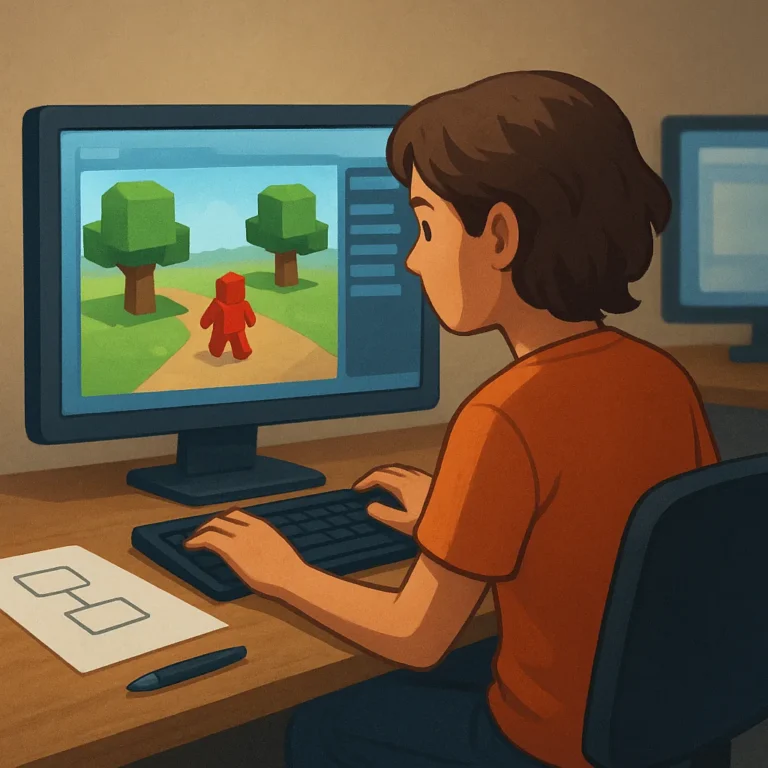
Creating a game on a Roblox-style platform sounds exciting, but beginners often start with an oversized idea and no clear first test. A better path is to build one small playable moment, learn the editor through a useful goal, and expand only after the basic loop works. Platforms such as Fortnite Creative, Core, Minecraft with add-ons or command tools, and Rec Room offer different balances of visual scripting, templates, community learning, and publishing rules. The right starting point depends on whether you want to design a world, prototype a game mechanic, or invite friends into a shared experience. This guide breaks the process into manageable decisions so a first project teaches real skills instead of becoming an unfinished maze of features.
Pick a creation tool that matches your first goal
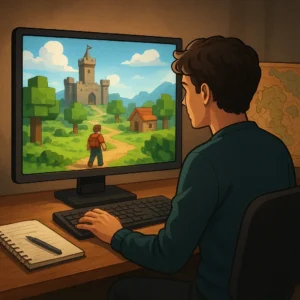
Start by choosing the skill you want to practice, not the platform with the loudest community. If you want level design, a template-based world builder can provide fast visual feedback. If you want game logic, choose a tool with accessible visual scripting or event systems. Fortnite Creative and UEFN offer structured island workflows, Core emphasizes accessible game creation, and Rec Room uses approachable maker tools for interactive rooms. Minecraft can teach systems thinking through building, commands, and add-ons, although it is not a one-to-one game editor. Compare tutorials, device support, publishing requirements, and age rules before committing.
Make a tiny loop before building a whole world
Your first project should answer one question: what does the player do repeatedly, and why is it satisfying? Examples include collecting three keys, reaching a timed checkpoint, escaping a short obstacle course, or decorating a room for a friend. Build only the starting area, one challenge, one reward, and a reset point. Then test whether a new player understands the objective without a long explanation. This approach exposes problems in movement, pacing, and feedback early. A compact loop also gives beginners a finish line, which is more motivating than a giant map filled with empty buildings and unfinished mechanics.
Learn by changing one system at a time
Tutorials are useful when they lead to a visible result, but copying a long lesson without understanding it creates fragile projects. Work in short experiments: change a spawn point, trigger a door, award points, or alter an enemy’s behavior. Save a working version before each major change and name files clearly, such as “checkpoint-test-01.” When something breaks, undo the latest change instead of rebuilding everything. Keep a small notebook of terms, shortcuts, and questions for the next tutorial. This habit turns confusing editor behavior into a repeatable troubleshooting process and makes later collaboration much easier.
Test with people who did not build it
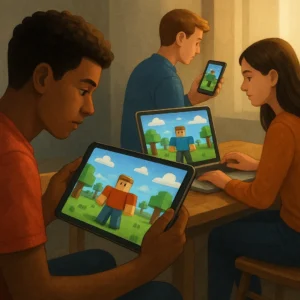
A creator can memorize a map’s hidden routes and still miss what a first-time player finds confusing. Invite one friend who knows the project and one person who does not. Ask them to play silently for a few minutes, then note where they stop, wander, or ask what to do. Avoid defending every choice while they test; the goal is to observe friction. Check spawn placement, readable instructions, difficulty spikes, camera behavior, and whether rewards feel earned. Short playtests provide better guidance than polishing screenshots, especially when a beginner is deciding which feature deserves the next hour.
Publish carefully and protect the community
Before sharing a project publicly, review the platform’s publishing rules, content standards, permissions, and monetization options. Remove private information, test every link or invitation, and decide whether strangers should be able to join. If the platform supports collaborators, grant only the access they need and keep a backup owned by the project creator. Explain the game’s goal and controls in a short welcome message, then watch early feedback for bugs or inappropriate behavior. Publishing is not the finish line; it is the point where maintenance, moderation, and respectful responses become part of making games.
Where to continue your research safely
To keep researching, review Fortnite Creative and UEFN Core Games Rec Room creator tools and compare which option makes the most sense for your situation.
Key criteria to compare before you decide
A good decision depends on more than a first impression. Compare total cost, timing, reputation, effort required, and the clarity of the offer conditions. When those criteria are visible together, it becomes easier to tell whether an option solves the problem or only looks attractive at first.
How to use this guide for your next step
Review the criteria before moving forward
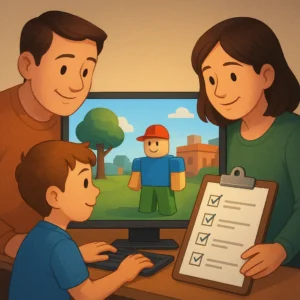
Discover approachable platforms and first steps for beginners who want to create games like Roblox calls for context, comparison, and patience. Use the points above as a practical checklist: revisit your goal, look for concrete signals, and move forward only when the choice fits your current needs.