
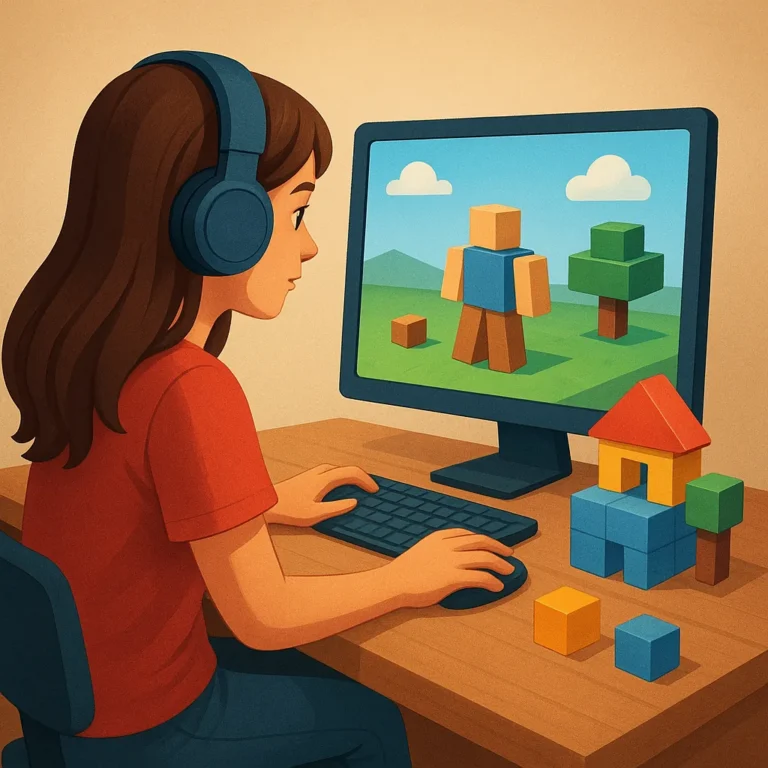
Roblox alternatives are not simply copies waiting to replace one familiar platform. They offer different routes through the creator loop, from sketching a scene and placing objects to testing core mechanics, publishing a world, and welcoming players. The best choice depends on whether you value quick construction, deeper scripting, flexible ownership, or relaxed social play.
Instead of judging every option by its block library alone, compare the journey from a rough idea to a repeatable activity. Look at how easily beginners learn the interface, how clearly creators receive feedback, and how smoothly friends can join a test. That broader view reveals which platform supports your project, not your first experiment.
A Quick Tour of the Creator Loop
Start by defining a tiny outcome: a room with a puzzle, a race through a short course, or a social hangout with one memorable activity. Planning this outcome prevents endless decoration and gives every tool a job. It also makes comparison fair, because you can ask how each alternative handles the same manageable creative brief.
Next, follow the loop in order: build a playable slice, test it with a friend, record confusing moments, and revise one issue at a time. Publishing should be treated as another learning step rather than a final ceremony. A small release can reveal pacing, controls, and social friction that look invisible while you work alone.
Building Tools for First-Time Designers
No-Code Construction Kits
No-code construction kits are strongest when they turn a blank canvas into a sequence of useful decisions. Templates can establish a room, path, or game rule, while object libraries supply recognizable environmental props. For a first project, choose tools that let you change scale, collision, lighting, and behavior without burying those choices beneath technical menus.
World Layout and Environment Design
World layout matters as much as the objects themselves. Place landmarks so players understand where to go, use lighting to signal importance, and leave clear routes between activities. Interactive doors, switches, signs, and rewards then give the space purpose. Good environment design makes a modest scene feel intentional instead of crowded.
Scripting Paths Without Overpromising
Visual scripting provides a gentle entry to interactions, but it still rewards careful thinking. Connect an input to an action, add a condition, and test what happens when players repeat or skip a step. This approach can support doors, timers, inventory changes, and simple quests while teaching logic that transfers to text-based code.
Advanced controls become useful when a project needs custom movement, saving, matchmaking, or responsive enemies. Do not assume every alternative offers the same language, permissions, or documentation. Read a small example, alter one variable, and measure the result before designing a large system. Reliable references matter more than flashy promises.
Social Play That Supports Collaboration
Collaboration feels different depending on whether friends build together or merely visit the finished space. Shared editing can speed up layout work, yet clear roles prevent accidental changes. Private sessions are useful for early tests, while friend invitations let a group observe progress without exposing an unfinished project to everyone.
Public communities add discovery and conversation, but they also add pressure. Check moderation tools, reporting paths, privacy controls, and options for limiting contact before inviting younger or unfamiliar players. Feedback works best when prompts ask about a specific moment, such as confusing movement or an unclear objective, rather than requesting vague opinions.
Ways to Test and Share a Project
Testing should begin before the project looks polished. Ask players to complete one short task while you watch silently, then note where they hesitate, misunderstand a prompt, or find an unintended shortcut. Repeat the test after one revision. This loop turns friendly participation into evidence and keeps improvements connected to real behavior.
When the core activity works, publish a small update with a clear description and a focused invitation. Discovery systems may favor regular engagement, searchable language, or strong images, so present the project honestly. Track which players return, where they leave, and which features they mention. Those signals guide the next release better than raw attention.
Which Alternative Fits Your Goals?
Builders who want quick visual progress should prioritize templates, forgiving editors, and a lively object library. Aspiring programmers should favor clear scripting examples, dependable testing, and room to grow beyond preset behaviors. Social groups need private sessions, simple invitations, and moderation choices that keep collaboration comfortable. Match the tool to the habit you will maintain.
Casual creators can choose the platform that makes a first success feel close, then expand only when curiosity grows. Compare one-hour setup, one-evening testing, and one-week sharing rather than imagining a professional studio immediately. If you can build a scene, invite a friend, learn from confusion, and publish a revision, you have found a home.