
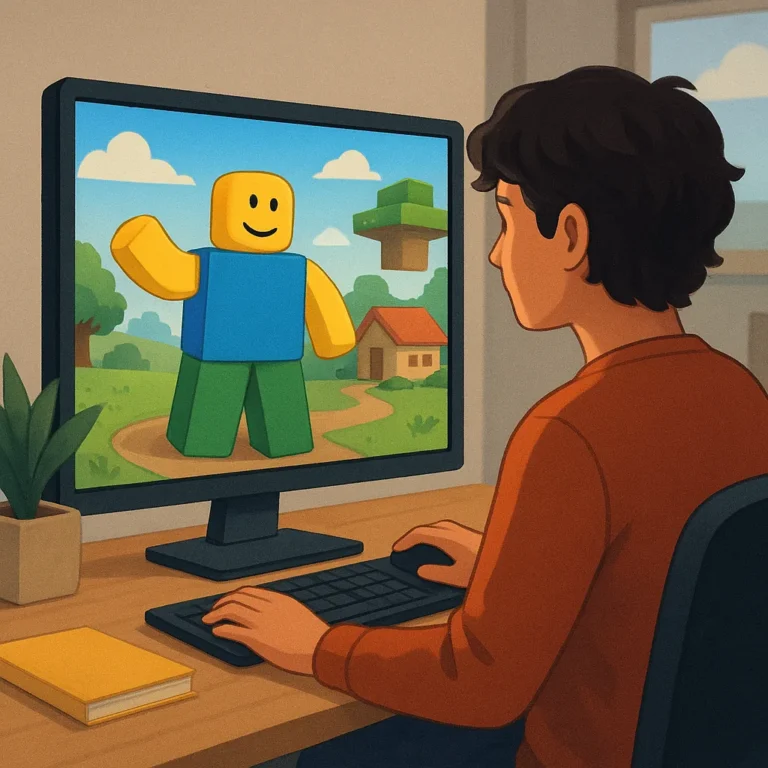
Roblox-style games give creative players more than a place to pass time: they offer shared spaces where people can build, decorate, roleplay, and publish ideas. For U.S. players, alternatives can provide different editing tools, communities, age settings, device options, and pricing models. The right choice depends on how someone wants to create and connect creatively.
This comparison focuses on the features that shape everyday use: building depth, visual editors, scripting, avatar customization, discovery, moderation, privacy, device support, and account access. It also separates a welcoming beginner experience from tools that reward patience. Use those criteria to match a platform with your household, creative goals, and preferred way to play together.
What Makes a Roblox-Style Game Worth Trying?
A strong Roblox-style game starts with user-created spaces rather than a fixed campaign alone. Players should be able to shape rooms, maps, challenges, or social scenes, then invite others to experience them. Templates can reduce the blank-page problem, while editable terrain and objects give experienced creators room to develop a recognizable style over many sessions.
Customization matters because creative play is also personal expression. Look for flexible avatars, clothing or accessory systems, home spaces, camera controls, and ways to save or share a finished project. Multiplayer access should feel intentional, with clear invitations and stable sessions instead of forcing every creator into a crowded public lobby for every shared session.
Leading Platform Types to Compare
Builder-First Worlds
Builder-first worlds suit players who want to spend most of their time making things. Their best features include snap-together pieces, terrain editing, lighting controls, reusable templates, and a forgiving undo history. Before choosing one, test how quickly a beginner can place an object, revise it, and publish a small scene without consulting outside tutorials.
Adventure and Social Hubs
Adventure and social hubs broaden the appeal beyond construction. Exploration quests, roleplay districts, seasonal events, mini-games, and shared hangouts give creators reasons to return after finishing a build. These spaces are especially useful for players who enjoy storytelling or collaboration, but they should still offer private options for testing ideas before inviting a wider audience.
Compare platforms by asking what happens after the first exciting session. A builder may win on control but feel quiet, while a social hub may deliver constant activity with fewer sophisticated tools. The strongest fit balances creation, discovery, and meaningful feedback, so a player can make something, find an audience, and improve without chasing popularity.
Creative Tools That Shape the Experience
Visual editors determine how approachable a platform feels on day one. Drag-and-drop placement, clear menus, preview modes, and dependable saving help younger or newer creators build confidence. Asset libraries can accelerate a project, but quality matters: searchable, compatible pieces are more useful than a huge catalog filled with duplicates or confusing permissions for new creators.
Advanced creators should examine scripting, logic systems, animation controls, and publishing permissions before committing time. A platform does not need professional-grade code to be valuable, yet it should make experimentation possible through examples, safe testing areas, and clear version control. Those details separate a toy editor from a sustainable creative practice.
Community Features and Safety Signals
Community design determines whether sharing feels rewarding or exhausting. Check for reporting tools, block and mute controls, chat filters, age-appropriate defaults, and visible explanations when content is removed. Good moderation cannot eliminate every problem, but transparent rules and accessible support give players a clearer path when interactions become uncomfortable.
Families should review privacy settings before a child joins public spaces. Look for controls over friend requests, voice or text chat, invitations, purchases, and profile visibility, then discuss what information should remain private. Players of any age benefit from smaller trusted groups, regular check-ins, and a habit of reporting behavior instead of escalating arguments.
How Platforms Serve U.S. Players
For U.S. players, device support can matter as much as creative depth. Confirm whether a platform works well on the family’s computers, consoles, phones, or tablets, and check controller support before promising a shared project. Browser access may simplify trials, while stronger hardware can improve large scenes, loading times, and visual polish.
Account requirements and pricing deserve equal attention. Some platforms are free to enter but charge for cosmetics, premium assets, private servers, or creator tools; others use a purchase or subscription. Read current store details, parental controls, refund terms, and regional availability, because a low starting price does not guarantee low household cost.
Our Shortlist and Final Picks
Use this shortlist as a starting map rather than a universal ranking. Choose a builder-first platform for construction, an adventure hub for roleplay and events, a creator-led service for publishing ambition, or a social world for low-pressure hangouts. Then test one small project, invite trusted friends, and compare the experience across your actual devices.
Your final pick should make the next creative step obvious. If building feels exciting, prioritize editing control and dependable publishing; if meeting people matters most, prioritize discovery and safety settings. Recheck policies and pricing before installing, because features change. A thoughtful trial will reveal more than a feature list, especially when households share devices.