A Roblox-style game can be colorful, creative, and still a poor fit for a particular child. Family safety decisions work better when they look beyond a cartoon art style or an app-store age label. Parents should examine how strangers communicate, how user-made content is discovered, how purchases are presented, and how easily an adult can change settings. The right question is not simply whether a platform is “safe.” It is whether its risks are understandable, manageable, and appropriate for a child’s age and maturity. This guide offers a practical evaluation method for families comparing Roblox alternatives, with attention to everyday play rather than fear-based headlines. Use it before creating an account, then revisit the decision as friendships, devices, and the child’s independence change.
Start With the Actual Player, Not the Marketing
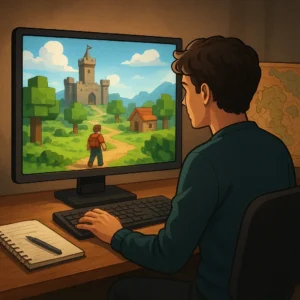
Start with the actual player, not the platform’s marketing. A game rated for a broad audience may still contain fast chat, intense competition, frightening themes, or social pressure that does not suit every child. Watch a short play session and notice what the player is asked to do, see, and share. Check the official rating, but treat it as a starting point rather than a final verdict. Also consider reading ability, impulse control, and comfort with losing or being excluded. A creative sandbox may be fine for one eight-year-old in a private world and overwhelming for another in public multiplayer.
Review Communication and Privacy Controls
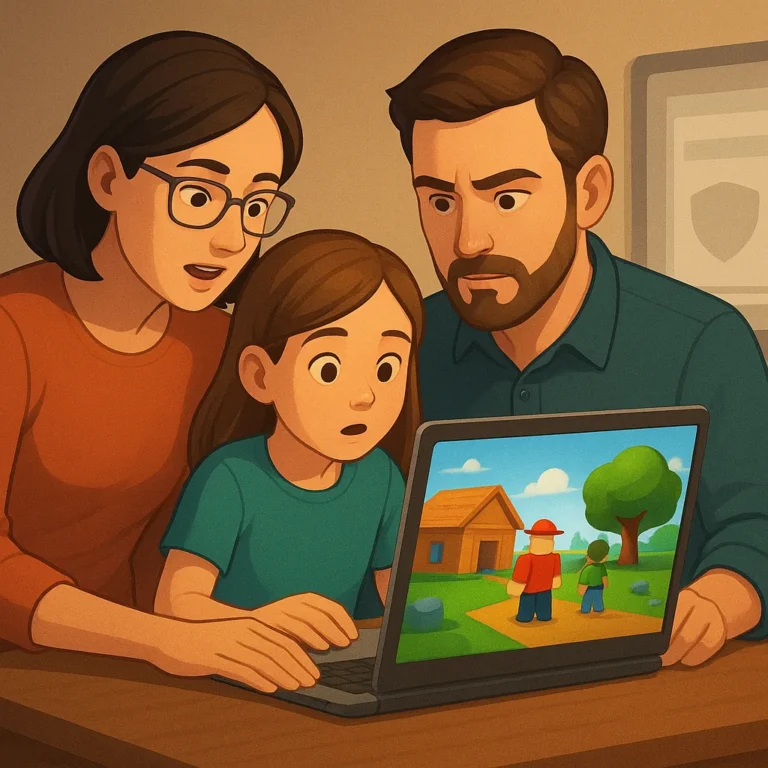
Communication settings deserve a separate check because they shape the social experience even when the game itself looks harmless. Look for controls covering text chat, voice chat, friend requests, direct messages, and invitations from unknown players. Prefer the most restrictive setting that still lets the child play comfortably, then explain why it exists. Private parties or approved-friend lists can reduce surprise contact, but they do not replace supervision. Show the child how to mute, block, and report another player before a problem occurs. Practice matters: a child who knows the steps is more likely to act quickly instead of continuing an uncomfortable conversation.
Make In-Game Spending Understandable
In-game spending is another part of safety, especially on platforms built around cosmetic items, passes, or creator-made experiences. Find out whether purchases use a shared console wallet, a platform balance, or a stored card. Remove saved payment details when possible and require approval for transactions. Review what a child can buy with earned currency versus real money, because the visual difference is not always obvious. Talk about limited-time offers and random rewards without assuming the child understands persuasive design. A clear household rule, such as asking before every purchase, is easier to follow than an unexplained ban that may invite workarounds.
Test Moderation and Reporting Before Trouble Starts
Moderation quality can change from one platform to another and even from one community to the next. Read the safety center, reporting instructions, and privacy documentation before relying on a service. A useful system should make it clear how to report harassment, inappropriate content, impersonation, or unwanted contact, and it should explain what happens afterward. Families should save usernames or screenshots when a serious incident occurs, while avoiding public arguments that can escalate the situation. If reports disappear into a confusing menu or support is difficult to reach, treat that friction as meaningful evidence when comparing platforms.
Create a Short Family Safety Review
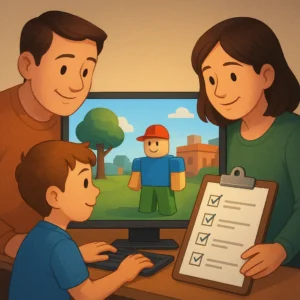
Create a short family review before granting ongoing access. Confirm the child’s age is accurate, privacy settings are enabled, purchases require permission, and the device uses a current operating system. Then agree on a simple response plan: leave the server, block the account, report the behavior, and tell an adult. Recheck these choices after major updates or when the child starts using voice chat and public spaces. Safety is not a one-time approval stamp; it is a routine that grows with the player. The best Roblox alternative is therefore the one your family can understand, configure, and revisit without constant confusion.
Where to continue your research safely
To keep researching, review Check ESRB Ratings Review FTC Game Guidance Read Common Sense Media Reviews and compare which option makes the most sense for your situation.
Key criteria to compare before you decide
A good decision depends on more than a first impression. Compare total cost, timing, reputation, effort required, and the clarity of the offer conditions. When those criteria are visible together, it becomes easier to tell whether an option solves the problem or only looks attractive at first.
How to use this guide for your next step
Review the criteria before moving forward
Learn how to evaluate age fit, communication settings, purchases, and moderation in Roblox-style games calls for context, comparison, and patience. Use the points above as a practical checklist: revisit your goal, look for concrete signals, and move forward only when the choice fits your current needs.